Shared TOTP Codes: Authenticator Built Into Every Credential
Attach a TOTP secret to any credential and every authorised teammate gets a live, auto-refreshing six-digit code — no separate authenticator app, no manual handoff. End-to-end encrypted, and free on every plan.
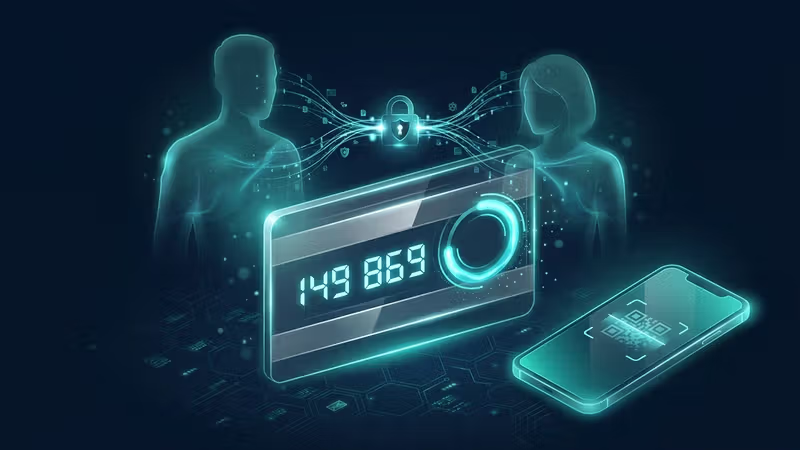
Sharing a password without sharing its two-factor code has always been the awkward half of team credential management. You hand off the login, then someone has to screenshot the QR, or pass around a TOTP seed in chat, or keep a single authenticator app on a single phone and pray nobody loses it.
Today we're shipping Shared TOTP Codes to every Pwdly workspace — including everyone on the Free tier.
Attach a TOTP secret to any credential and every authorised team member gets a live, auto-refreshing six-digit code in their own dashboard. No separate authenticator app, no manual handoff. One credential, one encrypted secret, shared through the project.
What you get
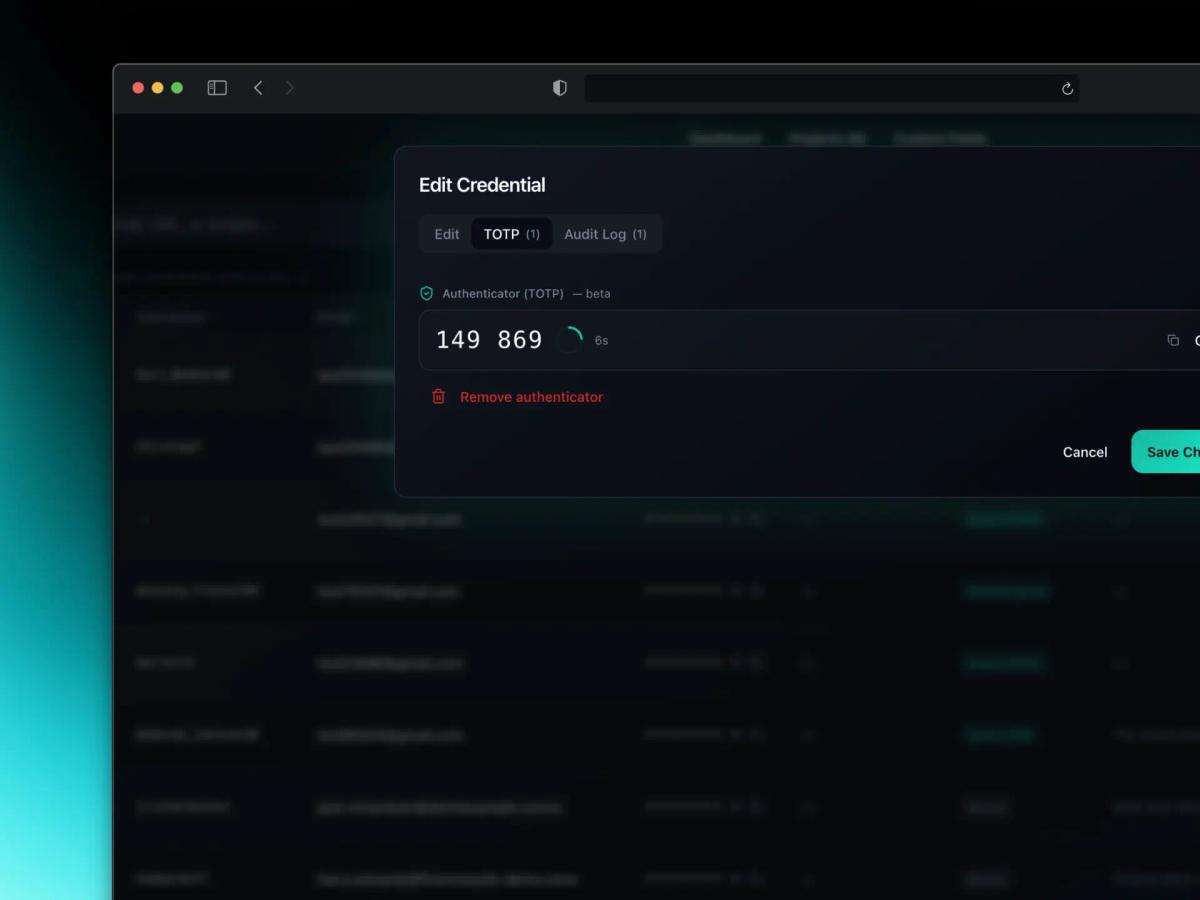
- Built-in authenticator on every credential. Open a credential, switch to the TOTP tab, and see the current code with its countdown ring. Copy with one click.
- Live for the whole team. Anyone with access to the project sees the same auto-refreshing code, generated locally in their browser from the shared secret.
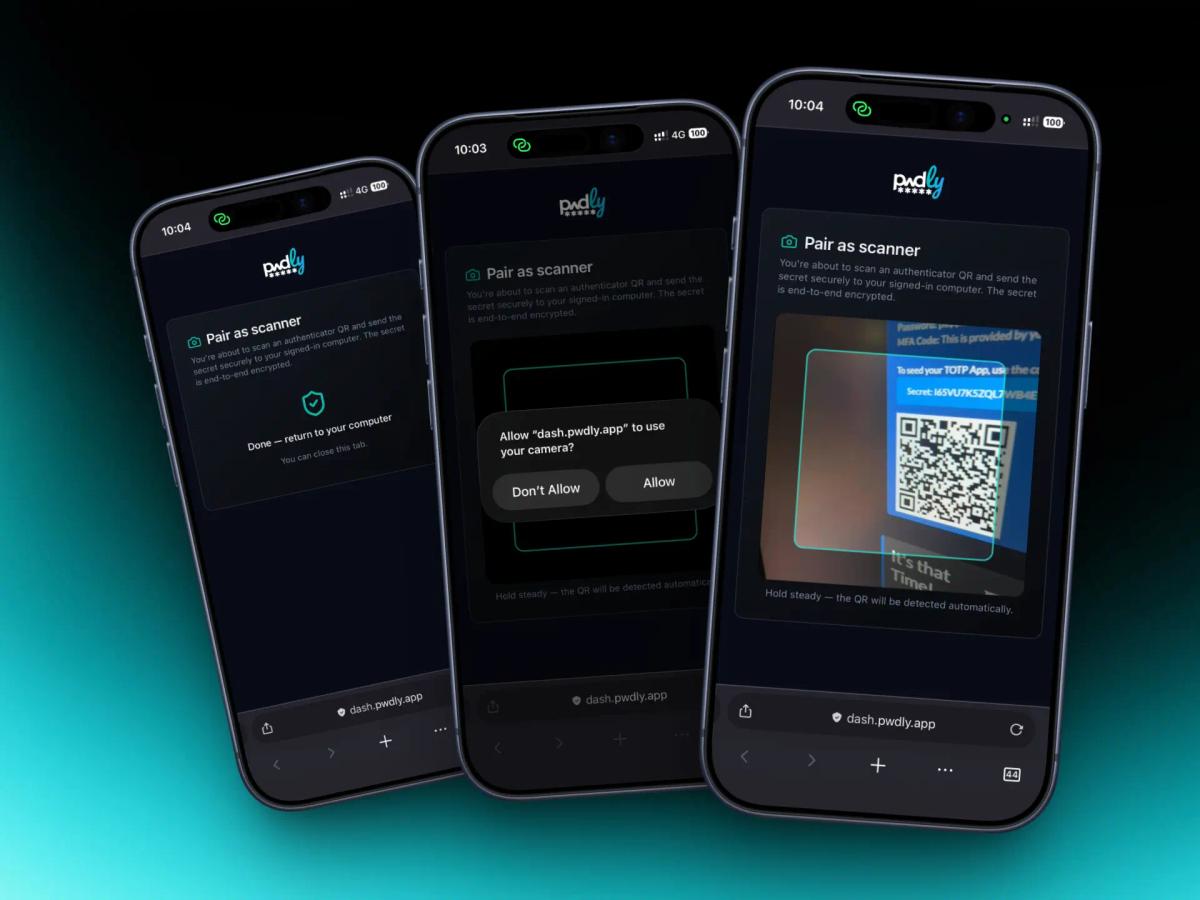
- Phone-as-scanner pairing. No webcam on your desktop? Pair your phone in seconds and scan the service's QR there — the secret arrives on your computer over an end-to-end encrypted channel.
- Free on every plan. This is core hygiene, not a paywall feature.
Adding a secret, even without a webcam
Most authenticator setup flows assume you're sitting in front of the device that has a camera. Half the time, you're not — the QR is on a different screen, and the only camera in the room is in your pocket.
So we built the obvious thing: turn your phone into a one-shot scanner for your desktop session. Pwdly opens a short-lived, single-use pairing channel; your phone scans the service's QR code; the decoded secret is returned to your desktop over an end-to-end encrypted Realtime connection. The server only ever sees ciphertext, and the pairing session expires automatically after five minutes.
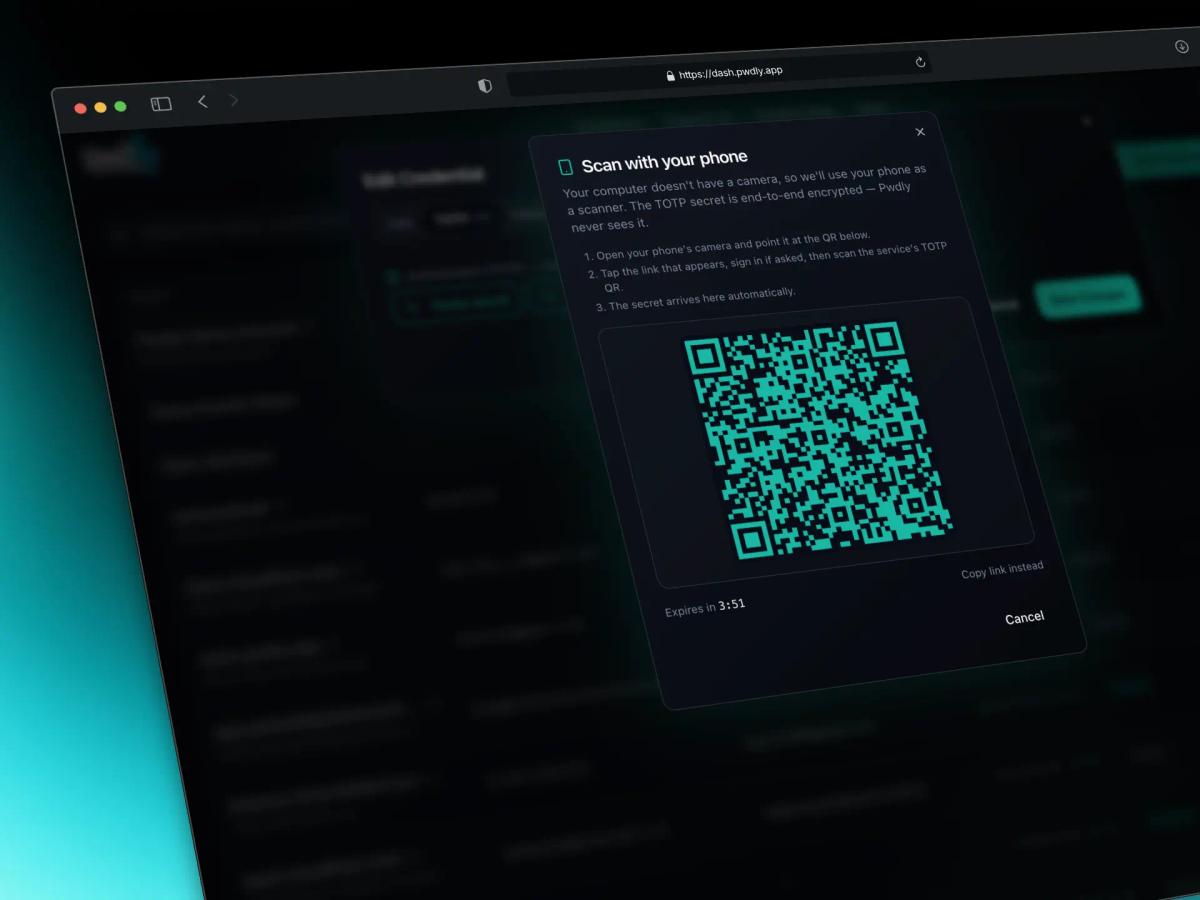
From your phone, you scan the service's TOTP QR as you normally would. The decoded secret is sent straight back to your desktop session — never to a third-party app, never to our servers in cleartext.
How the security works
A shared TOTP secret is dangerous if anyone other than your team can see it — including us. So they can't.
- Client-side encryption. The TOTP secret is encrypted with the project key in your browser before it ever leaves the device. The server stores ciphertext only.
- Per-project key isolation. TOTP secrets ride the same per-project encryption model as the rest of your credentials. A compromise of one project never exposes secrets in another.
- Short-lived pairing channel. Phone-as-scanner uses a single-use channel that auto-expires after five minutes. The pairing token is bound to your desktop session and cannot be replayed.
- End-to-end encrypted transport. The phone encrypts the captured secret to your desktop's session key over our Realtime channel. We route ciphertext; we cannot read it.
- Codes generated locally. Six-digit codes are computed in each authorised teammate's browser from the decrypted secret. The server never sees an OTP.
In other words: Pwdly couldn't hand your TOTP seeds to a court order, a rogue employee, or a future attacker even if we wanted to. The math doesn't allow it.
Why we're putting this on Free
Team two-factor is one of those features the industry has quietly turned into a premium upsell. We don't think a small team should have to choose between paying for a tier they don't need and going back to screenshotting QR codes in Slack.
If you can share a password in Pwdly, you can share its TOTP. That's the whole feature.
Try it now
- Open any credential in your vault.
- Switch to the TOTP tab and choose Add authenticator.
- Either point a webcam at the service's QR, paste an
otpauth://URI, or hit Scan with your phone. - Save. Everyone with project access sees the code instantly.
It's in production today for every workspace. As always, if you spot anything that smells off, security disclosures go through /security and we read every one.