The Anatomy of a Project Invite: How We Share Secrets Without Seeing Them
Sharing a vault with a teammate sounds simple — until you realize the server can never read what's inside. Here's the cryptographic choreography that lets you invite collaborators without ever exposing a single secret to Pwdly.
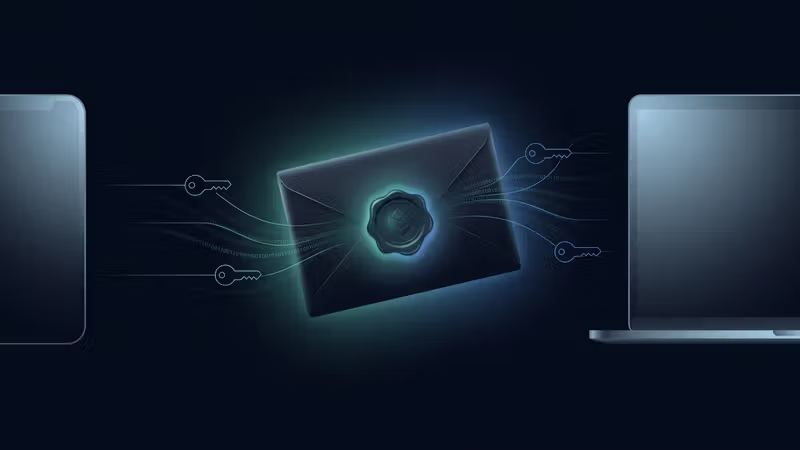
Inviting a teammate to a shared vault is the most dangerous moment in any password manager's lifecycle. It's the point where a single secret has to leave one person's brain and arrive — intact, unread, and untampered with — inside another person's encrypted storage. Most products solve this by quietly handing the secret to the server for a moment. We don't. Here's how a Pwdly project invite actually works, step by step.
The problem with "just share it"
When traditional managers "share" a vault, they typically re-encrypt the contents on the server using the recipient's public key. That sounds fine until you ask the obvious question: how did the server get the plaintext to re-encrypt in the first place? In most architectures, it didn't — but it did get the symmetric vault key, which is functionally identical. If the server ever holds the key, the server can read everything. We refused to ship that. So we built the invite around a small, human secret that never touches our servers: a one-time 6-digit code.
The core idea: a one-time code as the handoff
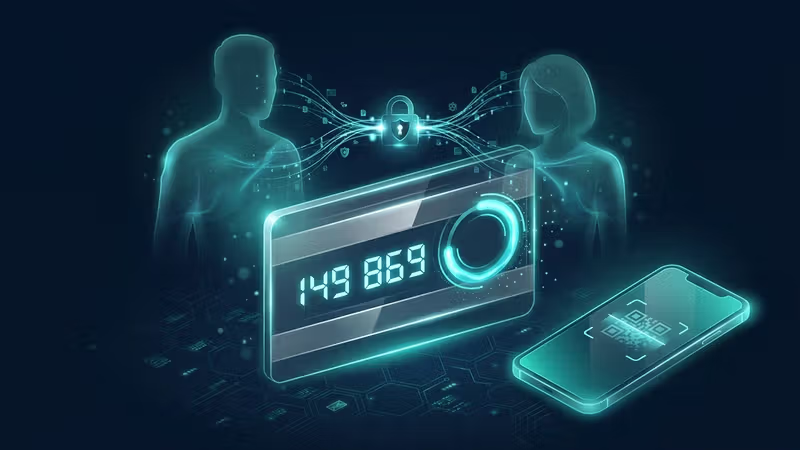
Every Pwdly project has its own randomly generated symmetric Project Key. Every secret inside the project is encrypted with that key using XChaCha20-Poly1305. The Project Key itself only ever exists in plaintext inside a member's browser memory, after their Master Key has unwrapped it. To bring a new person into the project, we need to hand them a copy of that Project Key without the server, the email provider, or anyone in between ever seeing it. Our answer is a temporary 6-digit code that the owner shares out-of-band — verbally, over a phone call, or through a secure messenger they already trust — combined with a memory-hard key derivation that makes brute-forcing useless in the time window the code is alive.
The owner's side: five things happen in the browser
When you click "Invite" on a project you own, your browser does the entire dance locally before anything is sent to our servers.
- A cryptographically random 6-digit invite code is generated locally. The server never sees it.
- That code is combined with the invitee's email address and a fresh random salt, then fed into Argon2id (64 MB memory, 2 iterations) to derive a one-time Invite Key.
- The Project Key — currently in your browser memory — is wrapped (encrypted) with that Invite Key using XChaCha20-Poly1305.
- Only the wrapped ciphertext, the salt, and the invitee's email are uploaded to Pwdly. The plaintext Project Key and the 6-digit code never leave your machine.
- Pwdly emails the invitee a plain invite link. The 6-digit code is shown only to you, the owner, with a clear instruction: deliver this code through a separate channel.
This is the part people always ask about: why don't we just email the code? Because if we did, we'd be holding both halves — the wrapped Project Key on our servers and the code in our outbound mail logs. The whole guarantee depends on those two halves never meeting in any system we control.
The invitee's side: five steps in the opposite direction
On the other end, the new teammate clicks the email link, signs in, and finishes the handoff entirely in their own browser.
- They open the invite link and are prompted for the 6-digit code, which they got from the owner out-of-band.
- Their browser pulls down the wrapped Project Key and the salt, then re-runs the same Argon2id derivation: code + their email + salt → the same Invite Key the owner generated.
- The Invite Key unwraps the Project Key locally. For a moment, the plaintext Project Key sits in their browser memory — still never touching the server.
- It is immediately re-wrapped with the invitee's own Master Key (derived from their personal 3-word mnemonic) and stored in that form on Pwdly.
- The pending invite record — wrapped key, salt, email — is deleted. The 6-digit code is now useless to anyone, including us.
Why six digits is enough (with Argon2id behind it)
On its own, a 6-digit code has only one million possible values — trivial to brute-force. The defence is twofold. First, the code is bound to the invitee's email address inside the Argon2id input, so an attacker can't simply try codes against "any" wrapped key; they need to target a specific pending invite. Second, Argon2id at 64 MB and 2 iterations makes each guess expensive in both memory and time, which collapses the practical throughput of any brute-force attempt. On top of that, pending invites have a short lifetime and rate limits, so the attack window is small. The combination — out-of-band delivery, email binding, memory-hard KDF, expiry, and rate limiting — is what makes a humanly shareable code safe to use as the handoff.
What the server sees, and what it doesn't
From the server's point of view, an invite is a small, opaque record: an invitee email, a salt, and a blob of ciphertext. It never sees the 6-digit code, the Invite Key, or the Project Key. After acceptance, all it stores is the Project Key wrapped under the invitee's own Master Key — which we also can't read. Membership is just a list of user UUIDs against project UUIDs. Project names themselves are encrypted client-side. There is no "god mode" view of who is in what or what's inside.
Independent keys, by design
After the handshake, every member of a project holds their own independent copy of the Project Key, wrapped under their own Master Key. The owner's mnemonic is never involved in anyone else's access. If a teammate later leaves and the owner rotates the Project Key, only the remaining members can re-wrap and keep going — the departing member's wrapped copy decrypts to a key that no longer opens anything. That symmetry — same Project Key inside, totally independent wrapping outside — is the quiet thing that makes safe sharing possible without ever asking you to trust us with the contents.
The whole flow is deliberately a bit more deliberate than "click to share". A code has to be spoken, typed, or pasted into a trusted channel. That tiny piece of friction is the price of a guarantee we actually mean: we can't read your shared secrets, and neither can anyone who breaks into us.
— David, Pwdly